> ## Documentation Index
> Fetch the complete documentation index at: https://docs.klyra.ai/llms.txt
> Use this file to discover all available pages before exploring further.
# AI Chat Image
> Generate images directly within a chat environment by describing what you need in natural language.
## Introduction
The **AI Chat Image** tool combines the power of conversational AI with advanced image generation. Instead of switching between editors and chatbots, you can **stay inside a chat interface** and simply describe the image you want.
Whether you’re designing visuals for social media, creating mockups, or experimenting with creative ideas, AI Chat Image lets you generate, refine, and save images seamlessly in a chat-first workflow.
This feature is available only with a paid subscription plan.
## How to Use
> 🔎 **Navigation:** Dashboard → Left Panel → AI Images & Editing → AI Chat Image
This opens the **AI Chat Image workspace** in the main area.
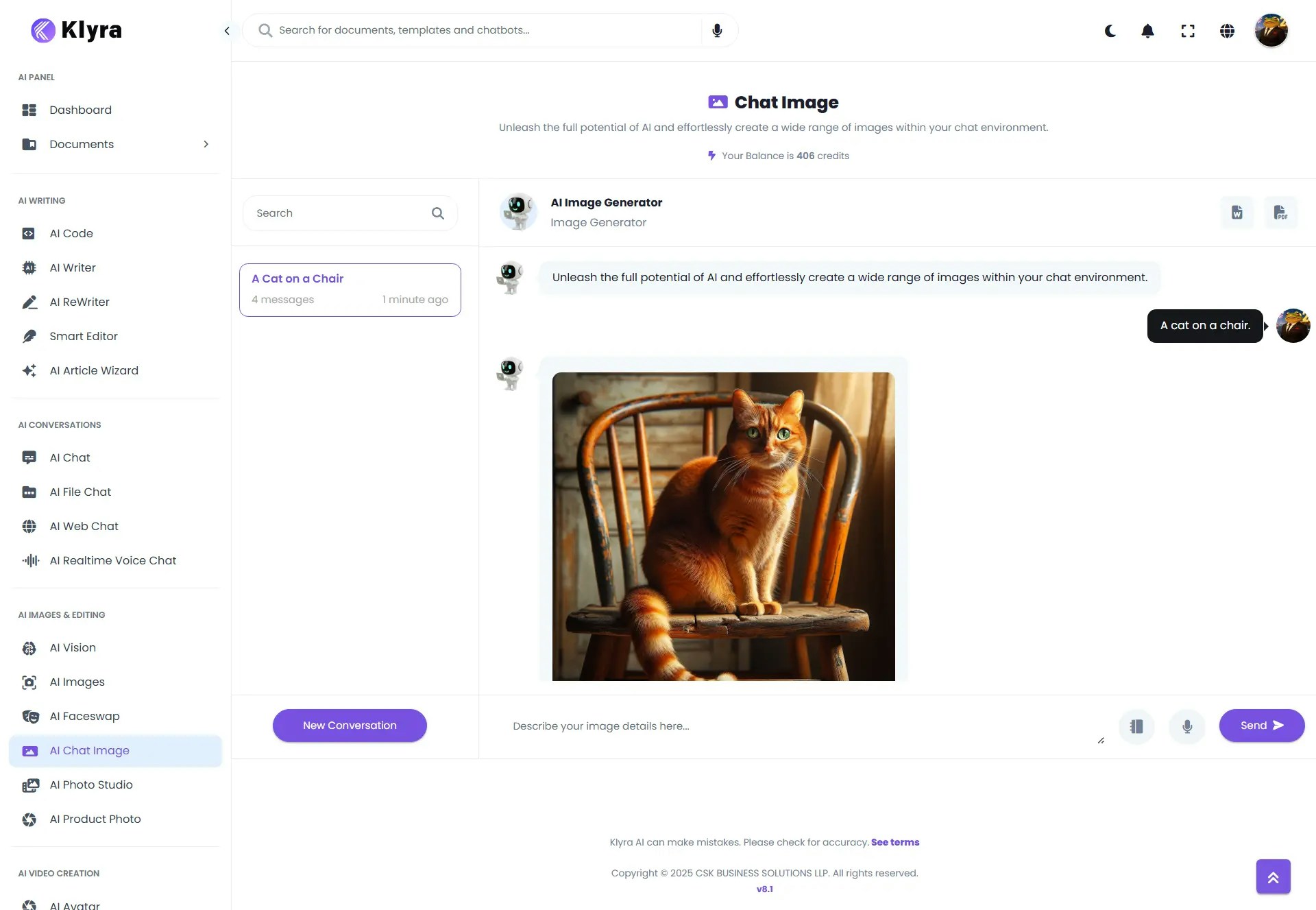 * In the **prompt area**, type what you want to generate.
* Example basic prompts:
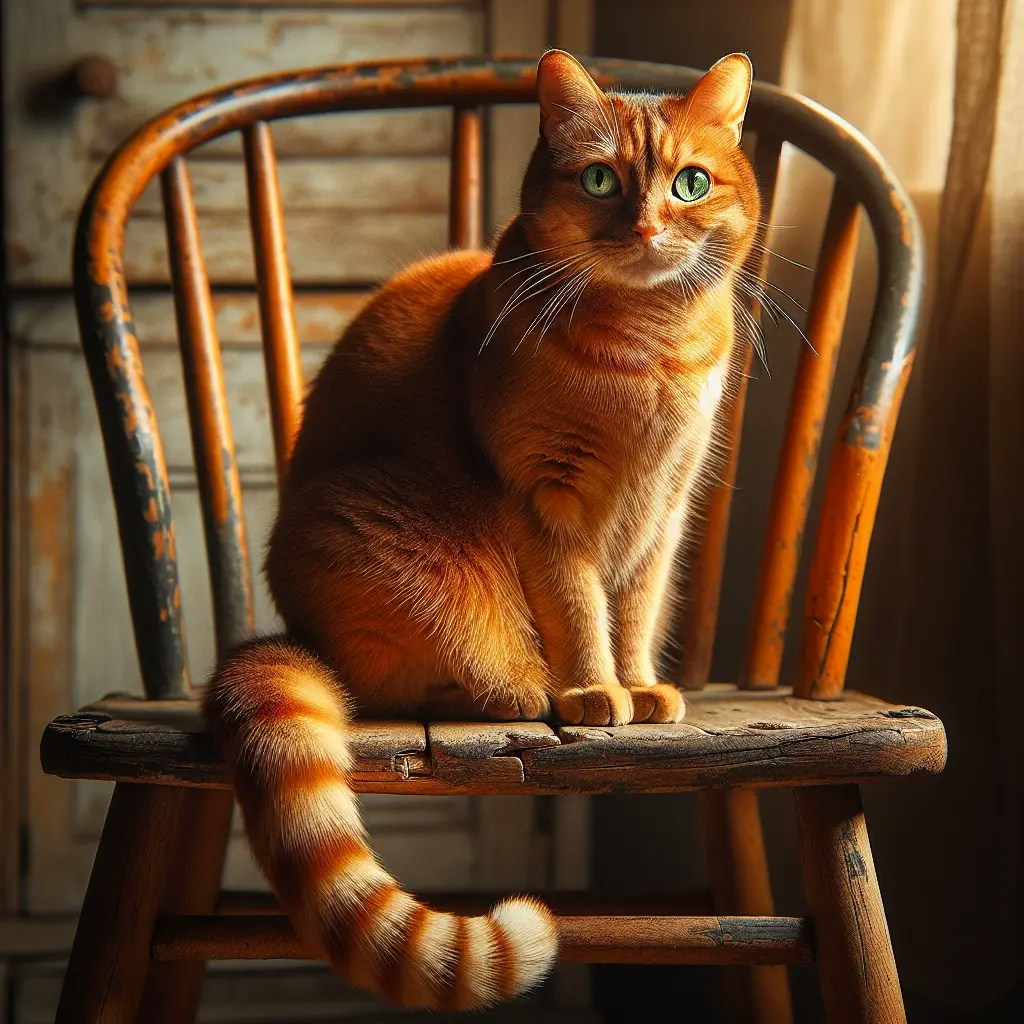
* *“A cat on a chair.”*
* In the **prompt area**, type what you want to generate.
* Example basic prompts:
* *“A cat on a chair.”*
 * Click **Send** to submit your prompt.
* AI Chat Image will generate the image and display it inside the chat.
* You can continue refining by typing new prompts or asking for variations.
* Example variations for "*A cat on a chair"*:
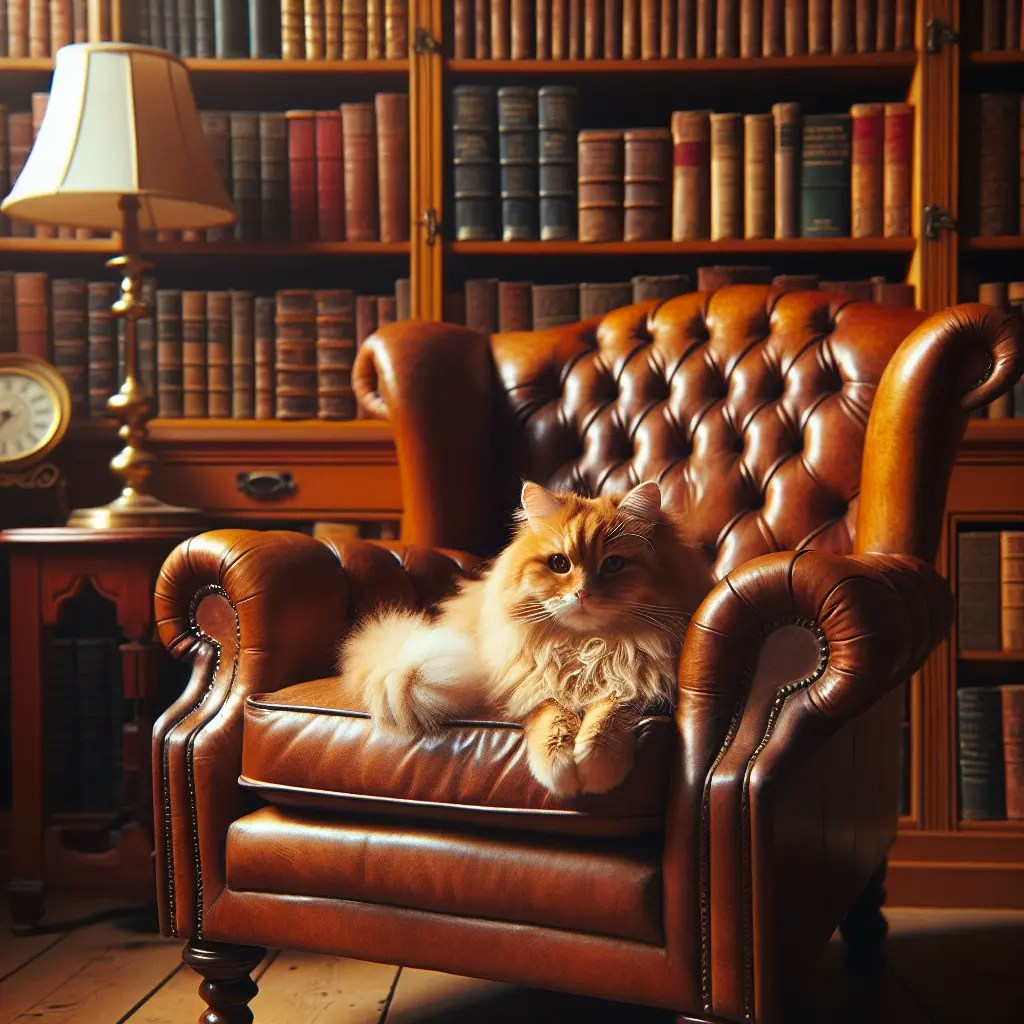
* "A fluffy orange cat sitting on a vintage leather chair in a cozy library." - **Added Environment & Context**
* Click **Send** to submit your prompt.
* AI Chat Image will generate the image and display it inside the chat.
* You can continue refining by typing new prompts or asking for variations.
* Example variations for "*A cat on a chair"*:
* "A fluffy orange cat sitting on a vintage leather chair in a cozy library." - **Added Environment & Context**
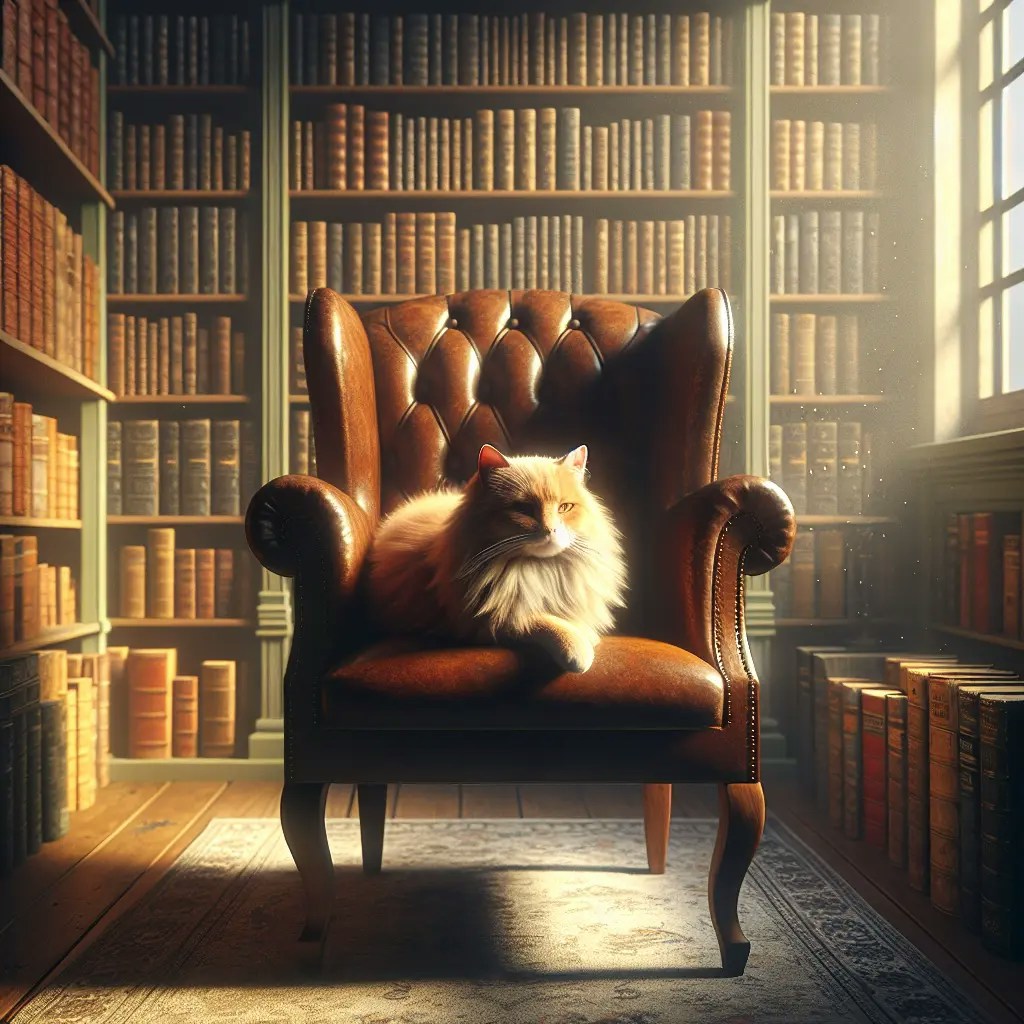
 * "A fluffy orange cat sitting on a chair in a cozy library, sunlight streaming through the window, photorealistic." - **Add Lighting & Mood**
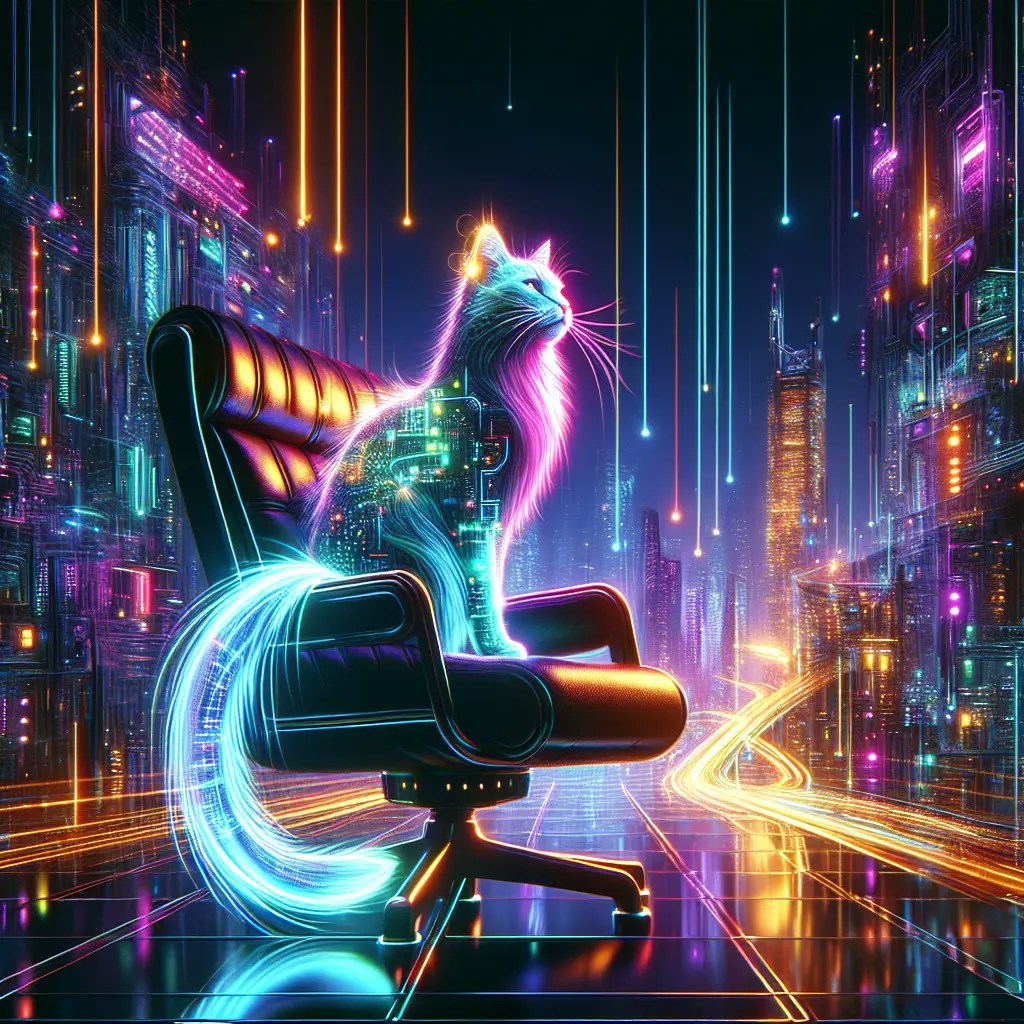
 * *"A cyberpunk cat with neon lights reflecting on its fur, sitting on a futuristic chair in a night city.*" - **Advanced Creative Testing**
 * All interactions are **automatically saved**.
* You can export your chat (with prompts and outputs) in:
* **MS Word (.docx)**
* **PDF (.pdf)**
### 💡 Tips
* **Be descriptive:** The more detail you provide in your prompt, the closer the output will match your vision.
* **Iterate quickly:** If the first result isn’t perfect, adjust your description (e.g., style, lighting, mood).
* **Mix creativity & precision:** Combine specific instructions (*“realistic portrait”*) with creative flair (*“in watercolor style”*).
* **Save variations:** Use exports to track multiple creative directions in a single conversation.
### 📌 Example Use Cases
* **Marketing & Ads:** Create unique visuals for campaigns without hiring designers.
* **Social Media:** Generate scroll-stopping content directly from a chat.
* **Product Mockups:** Quickly test product placement in different environments.
* **Creative Exploration:** Experiment with art styles, concepts, or storytelling visuals.
* **Education & Training:** Generate illustrative images to explain concepts or design ideas.
* All interactions are **automatically saved**.
* You can export your chat (with prompts and outputs) in:
* **MS Word (.docx)**
* **PDF (.pdf)**
### 💡 Tips
* **Be descriptive:** The more detail you provide in your prompt, the closer the output will match your vision.
* **Iterate quickly:** If the first result isn’t perfect, adjust your description (e.g., style, lighting, mood).
* **Mix creativity & precision:** Combine specific instructions (*“realistic portrait”*) with creative flair (*“in watercolor style”*).
* **Save variations:** Use exports to track multiple creative directions in a single conversation.
### 📌 Example Use Cases
* **Marketing & Ads:** Create unique visuals for campaigns without hiring designers.
* **Social Media:** Generate scroll-stopping content directly from a chat.
* **Product Mockups:** Quickly test product placement in different environments.
* **Creative Exploration:** Experiment with art styles, concepts, or storytelling visuals.
* **Education & Training:** Generate illustrative images to explain concepts or design ideas.